Paper Feeding Problems
Jamming, feeding more than one sheet at a time, or not picking up paper can cause the machine to run less smoothly.
 Get a quote ↗
Professional repair and technical support for Xerox machines used for regular document production.
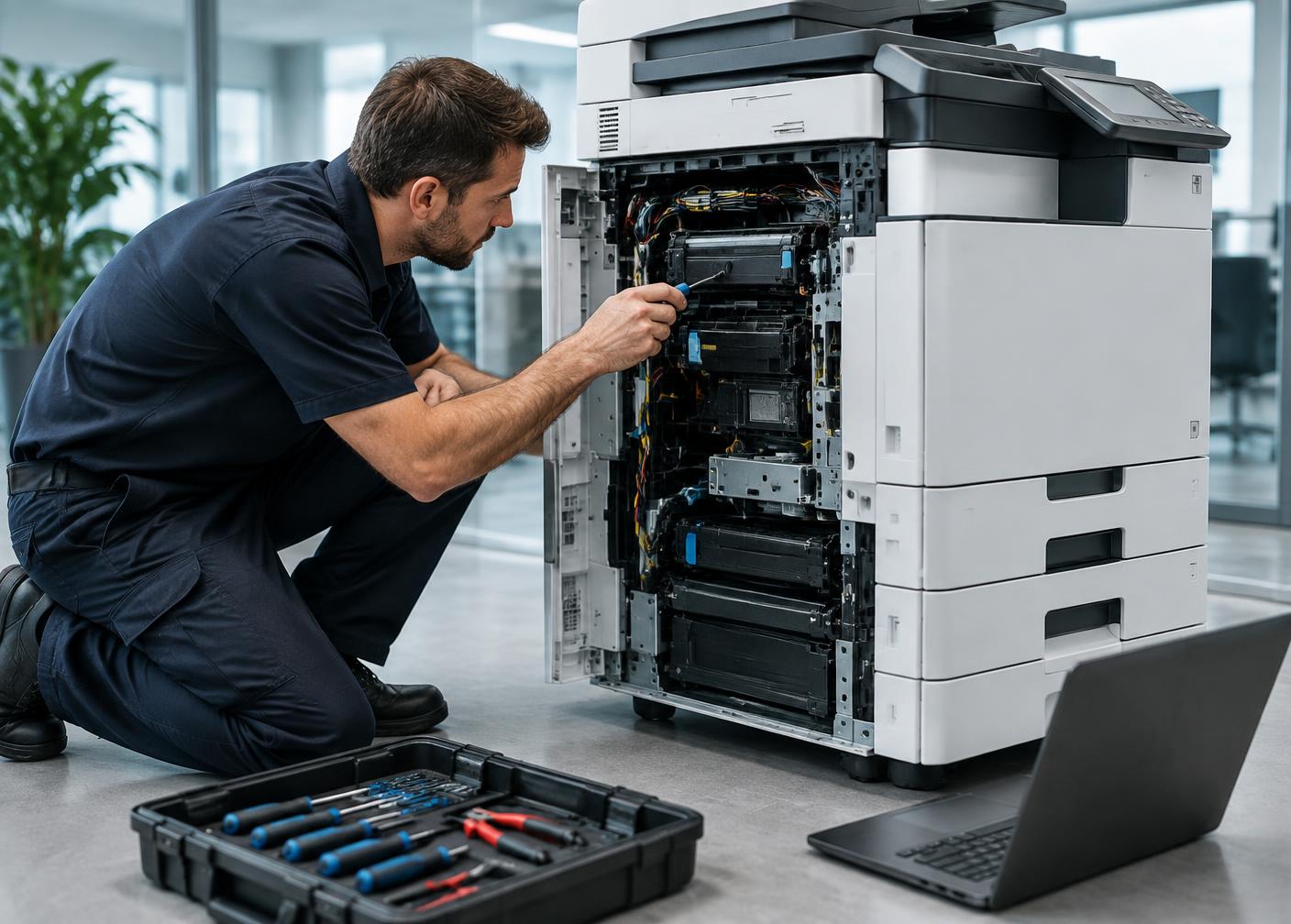
What happens when a Xerox machine that handles hundreds of pages a day suddenly starts slowing down, showing print defects, or refusing to pick paper? Even a small machine issue can interrupt office work, customer orders, and regular document printing. Instead of continuing to operate a machine with recurring faults, timely inspection and professional servicing can help identify the actual cause of the problem.
At Novera Technologies, we provide Xerox Machine Repair and Services in Chennai for businesses, Xerox shops, printing centres, offices, and other workplaces that depend on photocopiers for regular document production. Our service approach focuses on identifying machine faults, checking affected components, and carrying out suitable repair or replacement work.
Book service ↗If something goes wrong with a photocopier, it doesn't always fail. The machine may emit smaller warnings in many cases that could signify a problem.
Jamming, feeding more than one sheet at a time, or not picking up paper can cause the machine to run less smoothly.
Faded prints, unwanted lines, dark patches, uneven toner distribution, or repeated marks may require technical inspection.
If a machine is slower than usual to warm up, process jobs, or complete prints, it may need servicing.
Grinding, clicking, or other unfamiliar sounds can indicate wear in rollers, gears, or other internal components.
If the same error codes or warning messages appear repeatedly, this could hinder normal printing or lead to confusion and may need to be diagnosed by a technician.
Problems with document feeding, scanning, or copying can affect multifunction Xerox machines used for everyday office work.
Not all Xerox machine failures need to be fixed in the same way. The problem could involve an expendable, mechanical component, electrical section, or another internal component. Inspection can be used to assess what should be done before the repair work.
We can repair paper feeding issues, print quality problems, paper jamming, and fuser issues, as well as drum and toner wear, roller wear, and other photocopier operating problems.
We can repair paper feeding issues and paper jamming.
We can repair print quality problems and other photocopier operating problems.
We can repair fuser issues, as well as drum and toner wear.
We can repair roller wear and other photocopier operating problems.
The first step in the repair process is to discover the problem and then proceed with the repairs. The machine is tested according to the symptoms that are expressed during operation.
The Xerox machine is tested to find out the cause of the fault. Print output, paper movement, error indications, and machine operation can help to narrow down the problem.
Once the affected area or part is inspected, it is identified. This will help to identify whether the machine needs adjustment, cleaning, repair, or replacement of parts.
Examination of parts that are to operate in the affected operation to look for wear, damage, or improper operation. Depending on the machine problem, the components may include rollers, drum units, fuser parts, or other parts of the machine.
If a problem is found, the appropriate repair or replacement can be performed for the damaged part. The goal is to get the machine in a state of reliable operation.
The machine can be tested after servicing to see if the reported problem is solved by printing, copying, scanning, or other functions relevant to the machine.
Internal components play an important role in the working of a photocopier. If one part becomes worn out, it can impact other parts and cause numerous operating issues over time.
Service components include, but are not limited to:
Important for transferring the toner image during the printing process.
These are used to help the toner adhere to the paper and can influence print quality.
Help to transfer paper from the paper tray to the machine.
Ensure the rollers are in the proper position to promote proper paper movement and toner setting.
Aid in removing leftover toner from the drum surface.
Support the movement of the toner image during the printing process.
A reliable Xerox machine is important when documents need to be printed, copied, scanned, and processed without frequent interruptions. From identifying operating faults to checking internal components and replacing worn parts, the right service approach can help bring the machine back to dependable working condition.
If you are looking for Xerox Machine Services in Chennai, Novera Technologies provides repair and technical support for Xerox machines used across offices, Xerox shops, printing centres, and commercial environments. Contact us to discuss your machine issue and find a suitable service solution.